OCR vs AI: What Each One Reads, and Where It Breaks

On this page
Most articles on this topic open with the same claim: OCR is dumb pattern matching, AI is smart, so use AI. That framing has been wrong since 2018.
Tesseract, the open-source engine that half the world’s OCR runs on, replaced its pattern matcher with a neural network in version 4.0. Its own documentation says so plainly: Tesseract 4.0 “added a new OCR engine based on LSTM neural networks.” So the question is not whether OCR uses AI. It does. The question is what you are allowed to ask it.
That distinction matters more than the label, and it decides which tool you actually need.
The short answer
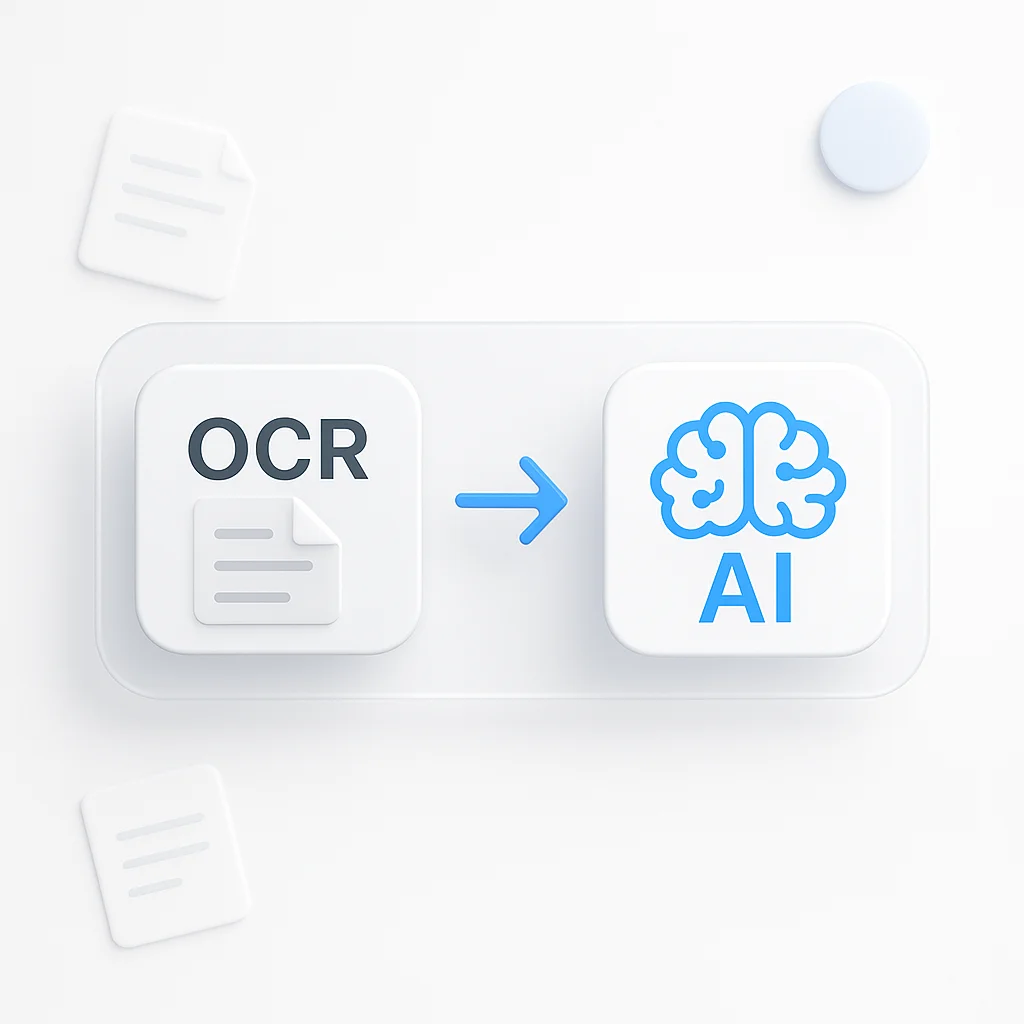
Returns the characters and where they sat on the page. Cheap, fast, repeatable. It cannot tell you which number is the total.
Takes that same text and answers questions about it. Costs more per page and gives a slightly different answer each run.
If you know exactly where the value sits on the page, OCR is enough. If the layout changes between documents, you need the second one.
Is OCR Actually AI?
Yes, for anything built in the last seven years. No, for the way most people mean the question.
Tesseract’s legacy engine really was pattern matching: it compared character shapes against stored outlines and picked the closest fit. That engine still ships, behind the --oem 0 flag, mostly so old projects keep working. The default since 4.0 is an LSTM, a recurrent neural network that reads a line of text as a sequence rather than as a bag of isolated glyphs. That is why modern OCR handles joined-up letters, unusual fonts and slightly warped scans that would have defeated the old engine outright.
So when someone tells you OCR is not AI, they are describing software from 2016.
The useful split is not neural versus not-neural. It is this: OCR gives you characters plus coordinates, and nothing else. Ask it “what is the invoice total” and it has no way to respond, because the question is about meaning and OCR only produces position. Ask it “what characters are in this box” and it will answer faster and more cheaply than any large model.
The question test
Before you pick a tool, write down the question you need answered:
- -"What does this say?" is an OCR question.
- -"Which of these numbers is the total?" is an AI question.
- -"Is this invoice a duplicate of one we already paid?" is an AI question with a database attached, and no OCR tool will ever get you there.
Reading Versus Answering
Here is where the money goes.
OCR is priced like a utility. You feed it pages, you get text, the cost per page is measured in fractions of a cent and it barely moves whether the document is a receipt or a mortgage. It is also deterministic. Run the same scan twice and you get the same characters twice, which matters far more than people expect once you are reconciling numbers.
AI document processing is priced like reasoning, because that is what it does. It reads the same characters OCR produced, then decides what they mean. Google’s own Document AI quotas put provisioned throughput at 120 pages per minute for base processors, which tells you these systems are built for steady batch work rather than instant single-file answers.
Cost per page barely moves whether the document is a receipt or a mortgage. Deterministic, so the same scan returns the same characters every time.
You pay per page for a model to work out what the characters mean. Output varies between runs, so identical input can produce differently shaped answers.
The trade nobody mentions in the sales deck: AI output is not repeatable. Run the same contract through twice and the extracted party name can come back formatted differently, or a field can be confidently populated with something that is not on the page at all. For a summary, fine. For an accounts payable pipeline that fires payments, you need a validation layer, and building that validation layer is usually the real project.
If you only need clean text out of a photo or a scan, an image to text converter does the job in one step and costs nothing to run.
OCR vs AI Compared
| What you compare | OCR | AI document processing |
|---|---|---|
| What comes back | Characters plus their coordinates | Named fields, classifications, answers |
| Handles new layouts | No, you remap the template | Usually, without retraining |
| Same input, same output | Yes, deterministic | No, phrasing and fields can shift |
| Handwriting | Poor on cursive, decent on block caps | Noticeably better, still not reliable |
| Makes things up | Never, it misreads instead | Occasionally, and confidently |
| Runs offline | Yes, Tesseract runs on a laptop | Mostly cloud, local models are heavy |
| Text inside video | Only if you extract frames first | Yes, at whatever rate it samples frames |
That last row is the one people skip, and it is the row that has changed most since this comparison was first written.
Where OCR Still Wins
There is a reason banks did not throw out their OCR pipelines the moment large models arrived.
Volume and cost
Several million pages a month of a form that has not changed since 2011? OCR plus a fixed template is the correct answer, and it is not close. You are paying for character recognition, not for a model to rediscover the layout on every page.
Auditability
When OCR misreads something you can point at the exact pixels and fix the preprocessing. When a model picks the wrong vendor name, the honest explanation is that it weighted the context differently this time. Compliance teams do not accept that.
Privacy and air gaps
Tesseract runs locally with no network call. Plenty of legal, medical and defence work cannot send documents to a third-party API at all, and that single constraint decides the architecture.
Speed on the simple stuff
Reading a serial number off a product photo does not need a reasoning model. Routing it through one adds latency and cost for no gain at all.
Our roundup of free OCR tools that convert images to text covers the cases where the basic engine is genuinely the right pick.
Where AI Earns Its Cost
Layout variance is the honest dividing line.
If your documents arrive from 400 different suppliers, each with their own invoice design, template-based extraction becomes a maintenance job that never ends. Every new supplier is a new template, and every supplier redesign silently breaks the old one. Somebody has to notice, and usually nobody does until the numbers stop reconciling.
AI handles that case well, because it looks for the concept of a total rather than for a value at coordinates 412,880.
It also handles the questions that have no fixed location at all:
Which clauses in this contract mention termination
Whether this claim form contradicts itself
What changed between version four and version six
Which of these 40 documents are the same agreement
None of those are extraction problems. They are reading comprehension problems, and OCR was never going to touch them.
The honest caveat
Everything above still needs OCR underneath it. AI document processing did not replace character recognition, it wrapped it. The text still has to come off the page before anything can reason about it.
Text That Lives in Video
Every OCR versus AI comparison online argues about paper. Scanned invoices, contracts, receipts, forms. That was the whole problem space for about thirty years.
It is not the whole problem space any more.
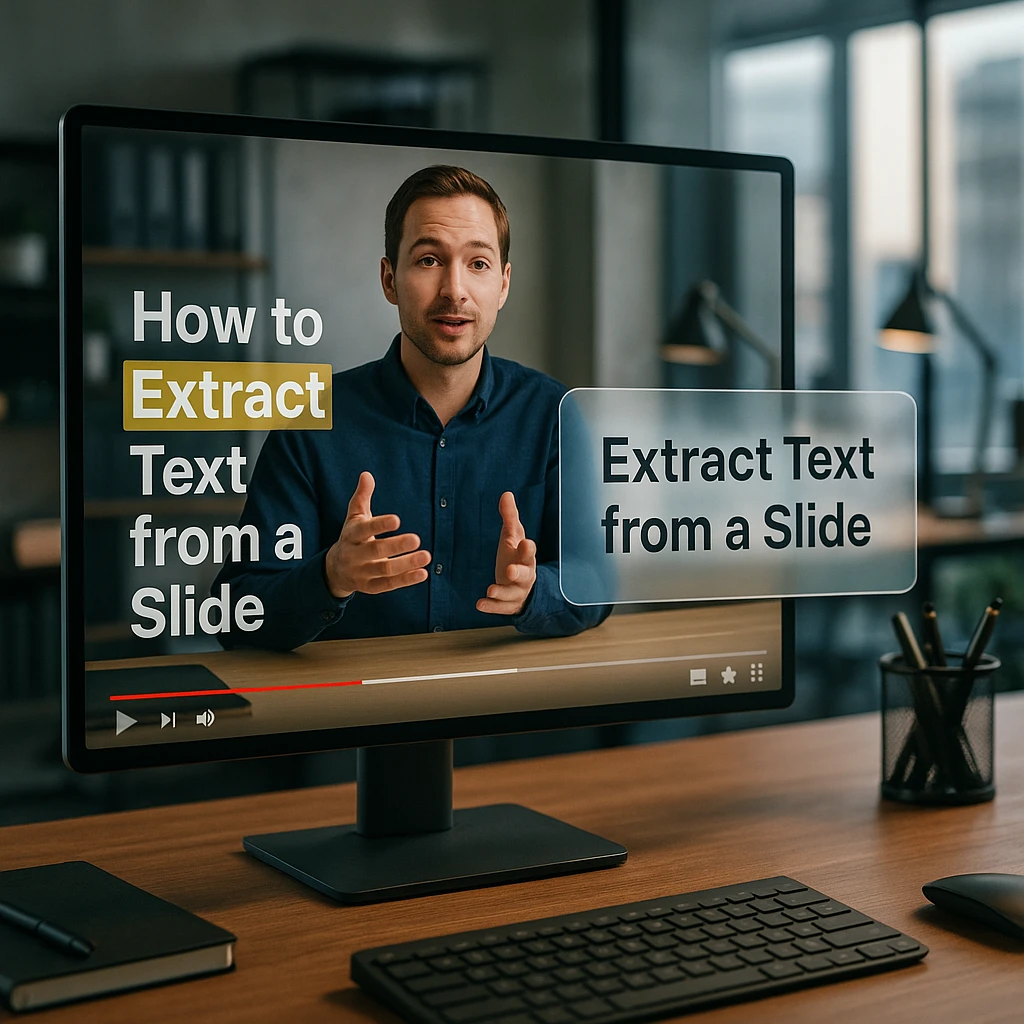
A growing share of the text people need is not on a page at all. It is a slide in a recorded lecture. A dashboard in a product demo. A stack trace in a screen share. Terms and figures on a webinar slide that nobody exported. The document was never scanned because there was no document, just pixels moving past at 30 frames a second.
Search behaviour has followed. These now form their own query family, distinct from the document-OCR searches that dominate this topic:
People are not asking how to scan a page. They are asking how to get the text out of a recording.
This breaks the classic comparison in a specific way. With a document, you have one image and one answer. With video you have thousands of images, most of them near-identical, and the interesting text might be visible for two seconds out of forty minutes. The hard part stops being recognition and becomes selection: which frames are even worth reading.
The 1 FPS Problem
Here is the limit almost nobody documents, and it explains most complaints about AI missing on-screen text.
General-purpose models do not watch video. They sample it. Google’s Gemini API documentation states it directly: the model “samples the video at a rate of 1 frame per second,” with audio processed at 1Kbps, single channel. The same page warns that “fast action sequences might lose detail due to the 1 FPS sampling rate.”
One frame per second sounds generous until you count what falls between the frames.
| What is on screen | Roughly how long | Caught at 1 FPS |
|---|---|---|
| A presentation slide | 10 seconds or more | Yes, sampled about ten times |
| A code block being explained | 30 seconds or more | Yes, reliably |
| A tooltip on hover | 1 to 2 seconds | A coin flip |
| Fast scroll through a document | Under 1 second per page | Maybe one page in three |
| A toast notification | About 400 milliseconds | No, never sampled |
| An error that flashes and clears | Under 500 milliseconds | No, and this is the common complaint |
So when someone says “the AI missed the error message in my screen recording,” the model did not misread it. The model never saw it. That is a sampling failure, not a recognition failure, and no amount of prompting fixes it. The fix is extracting the frames yourself at a higher rate and running OCR on those, which is exactly the case where the older technology still beats the newer one.
Worth saying plainly: this is the single most useful thing to understand about pulling text from video, and the reason a dedicated video OCR pass finds text that a general chatbot upload will not.
Video to Text Extraction
We built ScreenApp, so treat this section as what it is: an explanation of how we handle the problem above, not a neutral review.
The reason a video OCR service exists as a separate thing from a document scanner is the selection problem. Reading one frame is easy. Deciding which of 72,000 frames in a 40-minute recording contain text worth reading is the actual work, and it is where a generic upload-to-a-chatbot workflow falls down.
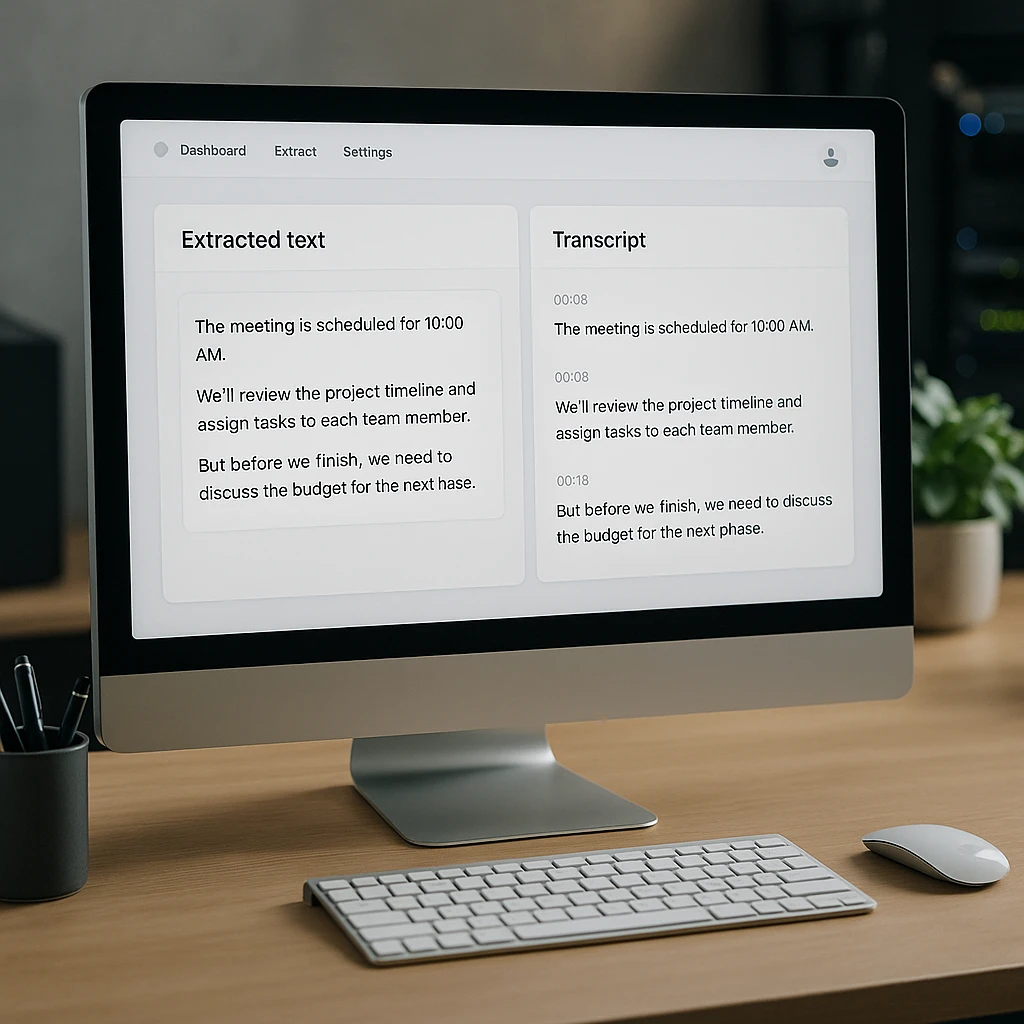
Our video to OCR extraction service runs three passes over a recording rather than one:
What each pass picks up
Frame OCR
Reads the characters that appear on screen: slide text, code, dashboards, error messages, anything rendered as pixels rather than spoken aloud.
Speech to text
A timestamped transcript of what was said. Separate signal, separate failure modes. A slide can be silent and a speaker can describe something never shown.
Reasoning over both
Questions answered against the on-screen text and the transcript together, so "what was the figure on the pricing slide" resolves even when nobody read it out.
The reason to run OCR and transcription as separate passes rather than one is that they fail differently. Background noise wrecks a transcript and leaves the slide text untouched. A low-bitrate screen share smears the on-screen characters while the audio stays perfect. Keeping them separate means one bad signal does not take the other down with it.
For plain spoken content with nothing important on screen, skip the OCR pass entirely and use video to text. It is faster and there is no reason to pay for frame analysis on a talking-head recording. If you want the step-by-step version of this workflow, we wrote it up in how to use video OCR, and the video to document guide covers turning the output into something you can hand to someone else.
Generative AI on Documents
There is a third tier, and it is worth separating from the second because people conflate them constantly.
Extraction AI pulls named fields out of a document. Generative AI produces new text from it. A summary, a rewritten clause, a plain-English explanation of a policy, an answer to a question that requires combining three separate parts of the page.
The distinction matters because the failure modes are opposite.
An extraction model that is unsure tends to return an empty field. Annoying, but you can see it happened and route it for review.
A generative model that is unsure returns fluent prose that reads exactly like the confident case. You cannot tell from the output which one you got.
That second one is the entire risk, and it leads to a rule I would apply without much hedging.
The rule
Use generative output where a human reads it next, and extraction output where a system consumes it next. A summary a person will skim is a good use. A dollar figure that flows straight into a ledger is not, unless you have validated it against the source text first.
For long recordings, the same logic applies. An AI summarizer is the right tool for getting the shape of a two-hour session quickly, while a video analyzer is what you want when the question is specific and the answer needs to point back at a timestamp. We compared the tools that do this well in our roundup of AI answer generators for video and documents.
Picking Between Them
I would not start from the technology. I would start from the shape of what is coming in.
Fixed layout, high volume
Use OCRSame form every time. Use OCR with a template. Adding a model here buys you nothing and costs real money per page. This is the case people over-engineer most often.
Variable layouts, many sources
Use AIUse AI document processing, and budget for the validation layer from day one rather than discovering you need it in month three. The extraction is the easy part.
Text inside video
Use video OCRUse a dedicated video OCR pass, not a chatbot upload. The 1 FPS sampling limit above is not a detail, it is the thing that decides whether you get the text at all.
A wrong number is expensive
Use bothKeep OCR in the pipeline for the raw characters, use AI for interpretation, and reconcile the two. The determinism of OCR is the check on the fluency of the model, and running both is cheaper than the alternative when a bad extraction reaches a payment.
If your documents genuinely never change and the numbers always sit in the same place, the boring answer is still the right one. Plenty of teams have spent a quarter replacing a working OCR pipeline with a model that gets the same answer less reliably for more money. Small business teams evaluating this alongside other automation will find similar trade-offs in our guide to AI call assistants for small business.
FAQ
Is OCR a type of AI?
Modern OCR is. Tesseract 4.0 replaced its pattern-matching engine with an LSTM neural network, and every major cloud OCR service uses deep learning models. The older claim that OCR is “just pattern matching” describes the legacy engine, which still ships behind a flag but is no longer the default.
What is the difference between OCR and machine learning?
OCR is the task, machine learning is one way to do it. Recognising characters in an image is the task. Before 2018 most engines solved it with hand-built shape matching, now they solve it with trained models. Machine learning did not replace OCR, it became how OCR works.
Can AI read text in a video?
Yes, but not every frame. General models sample video rather than watching it. Gemini’s documentation specifies 1 frame per second, so text that appears for under a second may never be sampled. A dedicated video OCR pass extracts frames at a higher rate and reads those instead, which catches on-screen text that a chatbot upload misses.
How do I extract text from a video that is not spoken aloud?
Transcription will not help, because there is no audio to transcribe. You need OCR on the video frames. Upload the recording to a video OCR tool, which reads the slides, code, dashboards and error messages that appear on screen and returns them as searchable text.
Does AI OCR work on handwriting?
Better than traditional OCR, and still not reliably. Block capitals and neat printing come back reasonably well. Cursive, especially with variable slant and joined characters, remains genuinely hard. Anyone quoting a high accuracy figure on handwriting is quoting it on clean, printed samples.
Is Google Document AI just OCR?
No. It runs OCR first, then applies models on top to classify the document and pull named fields out of it. The OCR layer produces the characters, the models decide which characters are the invoice number. Both are doing work, and the second layer is what you pay the premium for.
Why does AI sometimes invent data that is not in my document?
Generative models produce plausible text, and when the source is ambiguous or unreadable, plausible text is still what comes out. OCR fails visibly by returning garbled characters. A model can fail invisibly by returning a clean, wrong answer. This is why extraction output that feeds a system needs validating against the raw text.
Which is cheaper, OCR or AI document processing?
OCR, by a wide margin, and it is not close at volume. OCR is priced per page as a utility and Tesseract is free to run on your own hardware. AI processing charges for reasoning on every page, so a million-page month is a materially different bill.
Do I still need OCR if I am using AI?
Yes. AI document processing did not replace character recognition, it wrapped it. The text has to come off the page before any model can reason about it. What changed is that the OCR step is now usually invisible inside a larger service rather than something you run yourself.
Can OCR run offline?
Tesseract runs locally with no network connection, which is often the deciding factor for legal, medical and government work. Most AI document processing is cloud-based. Local models exist but they are heavy, and running one is a hardware project rather than an install.
What is intelligent document processing?
It is the industry term for the full pipeline: OCR to get the characters, classification to work out what kind of document it is, extraction to pull the fields, and validation to check the result. It is a workflow made of several models, not a single technology.
Is OCR still worth using in 2026?
For fixed layouts at volume, yes, and choosing it over a model is usually the correct call rather than a legacy one. It is cheaper, faster, repeatable and auditable. The mistake is using it for variable layouts, where maintaining templates costs more than the model would have.
FAQ
Is OCR a type of AI?
Modern OCR is. Tesseract 4.0 replaced its pattern-matching engine with an LSTM neural network, and every major cloud OCR service uses deep learning models. The older claim that OCR is "just pattern matching" describes the legacy engine, which still ships behind a flag but is no longer the default.
What is the difference between OCR and machine learning?
OCR is the task, machine learning is one way to do it. Recognising characters in an image is the task. Before 2018 most engines solved it with hand-built shape matching, now they solve it with trained models. Machine learning did not replace OCR, it became how OCR works.
Can AI read text in a video?
Yes, but not every frame. General models sample video rather than watching it. Gemini's documentation specifies 1 frame per second, so text that appears for under a second may never be sampled. A dedicated video OCR pass extracts frames at a higher rate and reads those instead, which catches on-screen text that a chatbot upload misses.
How do I extract text from a video that is not spoken aloud?
Transcription will not help, because there is no audio to transcribe. You need OCR on the video frames. Upload the recording to a video OCR tool, which reads the slides, code, dashboards and error messages that appear on screen and returns them as searchable text.
Does AI OCR work on handwriting?
Better than traditional OCR, and still not reliably. Block capitals and neat printing come back reasonably well. Cursive, especially with variable slant and joined characters, remains genuinely hard. Anyone quoting a high accuracy figure on handwriting is quoting it on clean, printed samples.
Is Google Document AI just OCR?
No. It runs OCR first, then applies models on top to classify the document and pull named fields out of it. The OCR layer produces the characters, the models decide which characters are the invoice number. Both are doing work, and the second layer is what you pay the premium for.
Why does AI sometimes invent data that is not in my document?
Generative models produce plausible text, and when the source is ambiguous or unreadable, plausible text is still what comes out. OCR fails visibly by returning garbled characters. A model can fail invisibly by returning a clean, wrong answer. This is why extraction output that feeds a system needs validating against the raw text.
Which is cheaper, OCR or AI document processing?
OCR, by a wide margin, and it is not close at volume. OCR is priced per page as a utility and Tesseract is free to run on your own hardware. AI processing charges for reasoning on every page, so a million-page month is a materially different bill.
Do I still need OCR if I am using AI?
Yes. AI document processing did not replace character recognition, it wrapped it. The text has to come off the page before any model can reason about it. What changed is that the OCR step is now usually invisible inside a larger service rather than something you run yourself.
Can OCR run offline?
Tesseract runs locally with no network connection, which is often the deciding factor for legal, medical and government work. Most AI document processing is cloud-based. Local models exist but they are heavy, and running one is a hardware project rather than an install.
What is intelligent document processing?
It is the industry term for the full pipeline: OCR to get the characters, classification to work out what kind of document it is, extraction to pull the fields, and validation to check the result. It is a workflow made of several models, not a single technology.
Is OCR still worth using in 2026?
For fixed layouts at volume, yes, and choosing it over a model is usually the correct call rather than a legacy one. It is cheaper, faster, repeatable and auditable. The mistake is using it for variable layouts, where maintaining templates costs more than the model would have.